Create with AI
🛠️ Tools You’ll Need
- Google Gemini – https://gemini.google.com/
- Flow – https://labs.google/flow/about
Step 1: Generate the Image
Prompts
Image 1
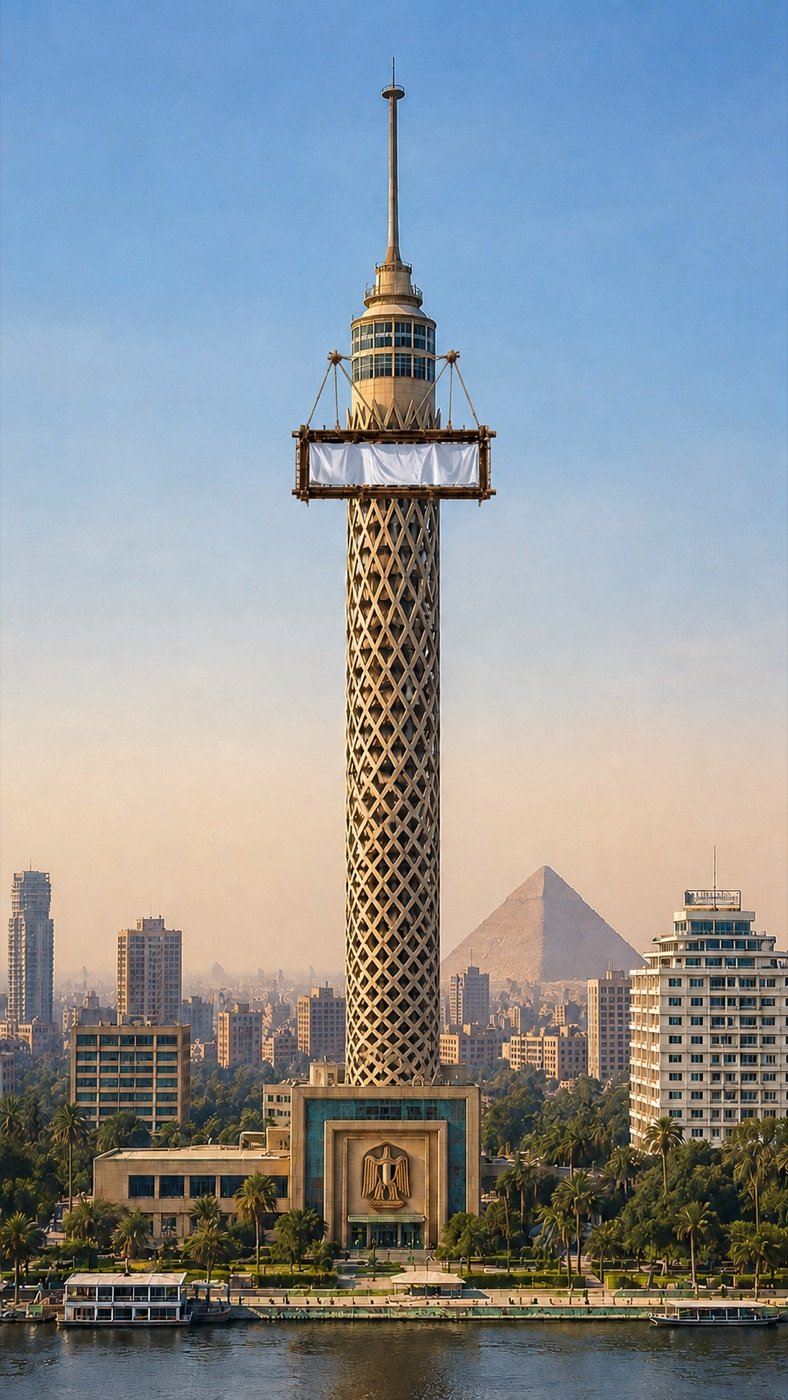
Ultra-realistic cinematic aerial view of the Cairo Tower rising prominently on the banks of the Nile River in Cairo, Egypt. The iconic lattice-pattern tower stands perfectly centered in the frame, with modern city buildings surrounding it and the Great Pyramid of Giza visible in the distant background through a light atmospheric haze. A large suspended rectangular billboard platform wraps around the upper section of the tower, featuring a blank white advertising banner ready for branding. Warm golden-hour sunlight illuminates the architecture, creating soft shadows and rich textures. Palm trees, waterfront promenades, and riverboats line the Nile below. Clear blue sky, symmetrical composition, ultra-detailed architecture, photorealistic materials, HDR lighting, depth of field, 8K resolution, architectural photography, drone shot, sharp focus, premium commercial advertising mockup, vertical composition (9:16).
Image 2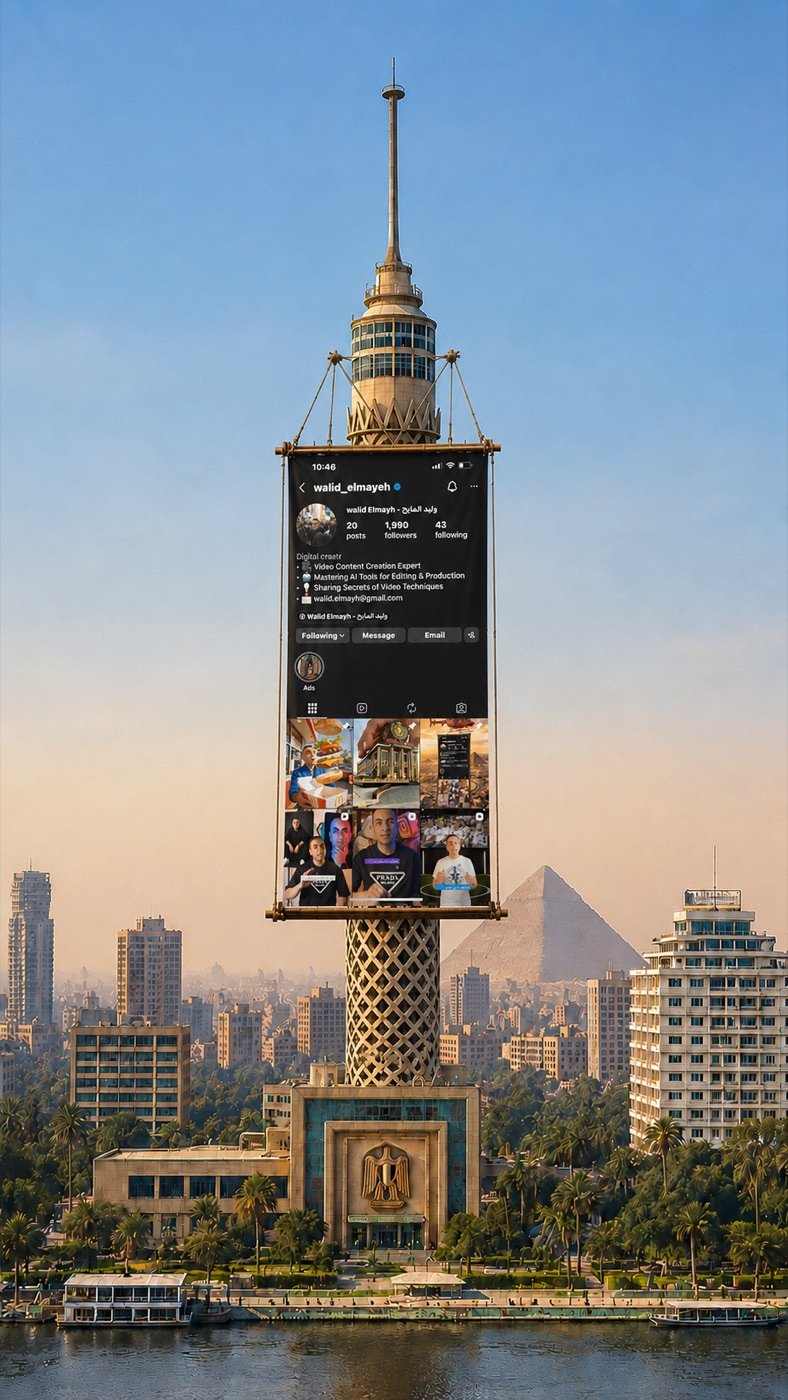
Create a hyper-realistic cinematic photo of Cairo Tower in Egypt from a straight front camera angle during golden hour. Add a massive vertical hanging billboard/banner suspended from the upper zigzag structure of the tower using realistic steel cables and metal frame supports.
The banner should display the uploaded Instagram profile screenshot exactly as provided, with sharp readable details and realistic proportions. The billboard must hang naturally down the center of the tower and blend perfectly with the architecture.
Keep the scene highly realistic with detailed city buildings, Nile River, palm trees, atmospheric depth, warm sunlight, and the pyramids visible in the background.
Camera should be slightly zoomed in to focus more on the upper part of the tower and the hanging banner. Use ultra-detailed textures, cinematic lighting, realistic shadows, and professional advertising photography style.
Aspect ratio 1080×1920 vertical reel format.
Step 2: Animate the flow
- Go to Flow – https://labs.google/flow/about
- Select Image to Video (or Frames to Video if available).
- Upload the image generated in Step 1.
Then paste a prompt describing the animation.
Example Prompt
Create a cinematic curtain-roll reveal transition on any surface where a fabric curtain starts unrolling from a clearly defined horizontal line and moves downward like a real banner with smooth, controlled motion driven by gravity; as it rolls, the underlying design is revealed progressively from top to bottom in perfect sync with the curtain movement, while keeping all original content (text, layout, colors, graphics) completely unchanged and not regenerated; the curtain should show realistic cloth behavior with slight natural wind flutter, soft folds, and edge movement while staying properly aligned to the surface; lighting, shadows, and perspective must match the environment so the revealed content looks naturally placed; the camera remains steady with a subtle cinematic feel, and the animation ends exactly when the curtain fully unrolls with no extra motion, no additional elements, and nothing beyond the original revealed content.
- Click Generate.